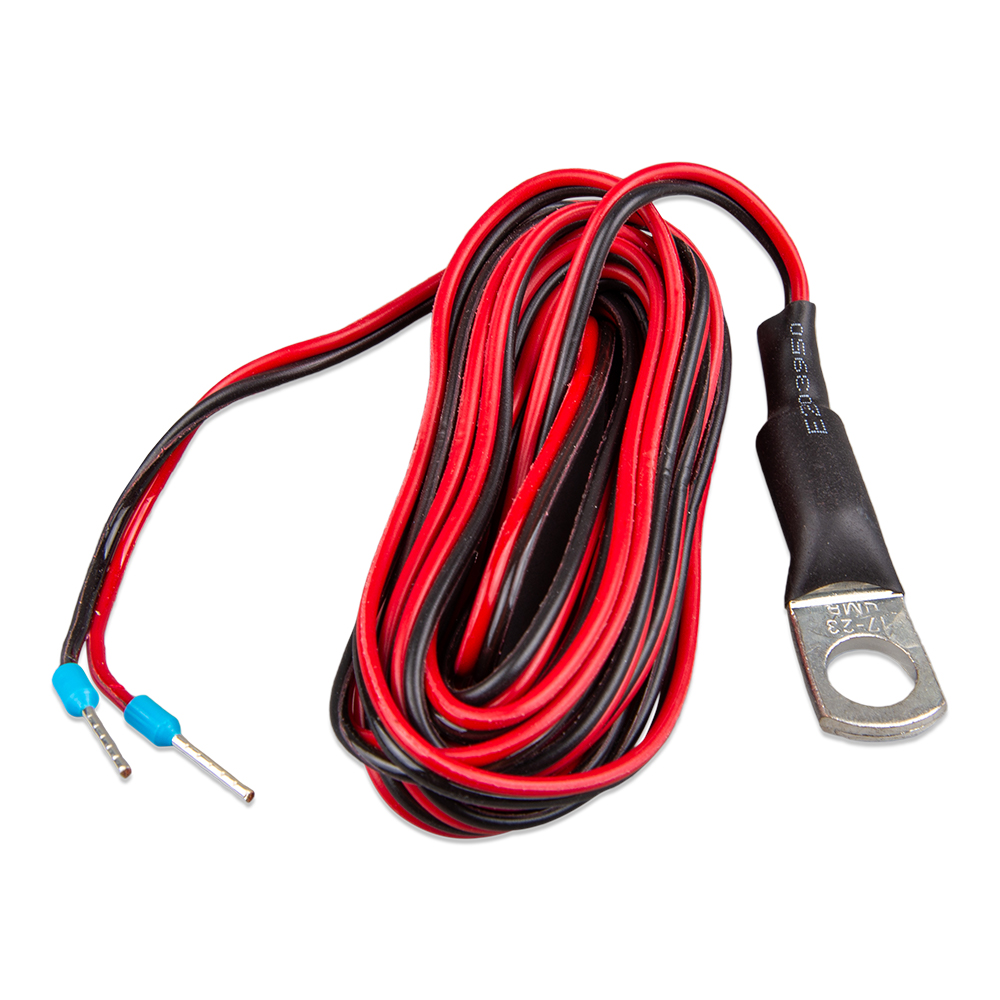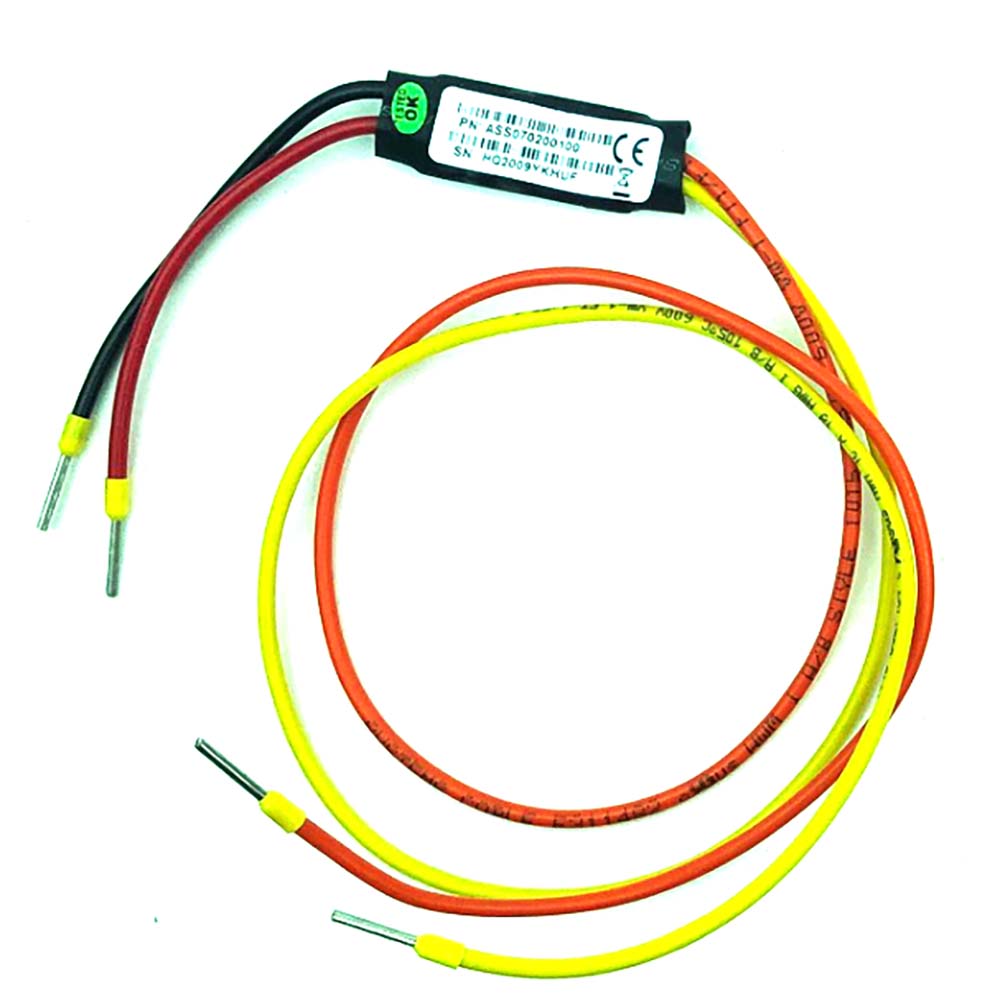
Victron Cable F/Smart BMS CL and Small BMS to Multiplus
- Full name
- VICTRON CABLE F/ SMART BMS CL AND SMALL BMS TO MULTIPLUS
- Mfg part #
- ASS070200100
- UPC
- 8719076051183
- SKU
- 92591
● In stock — 7 available · NJ · FL
🚚 Free shipping over $100
30-day returns. Details
✓ In stock, ready to ship from our NJ & FL warehouses
Secure checkout · prices verified at checkout
Genuine parts from authorized distributors. Questions? getboatparts@gmail.com
- 30-day returns
About this part
The Victron Cable F/Smart BMS CL and Small BMS to Multiplus is a genuine Victron Energy part (manufacturer part # ASS070200100, UPC 8719076051183) in our Charger/Inverter Combos range under Electrical. 7 are in stock, shipping from our New Jersey and Florida warehouses. Shipping weight is about 0.07 lb. Not sure it's the right fit? Read our guide: Victron Setup for a Skoolie: A Proven Component List and Wiring Order.
Manufacturer description
Cable for Smart BMS CL 12-100 to MultiPlus
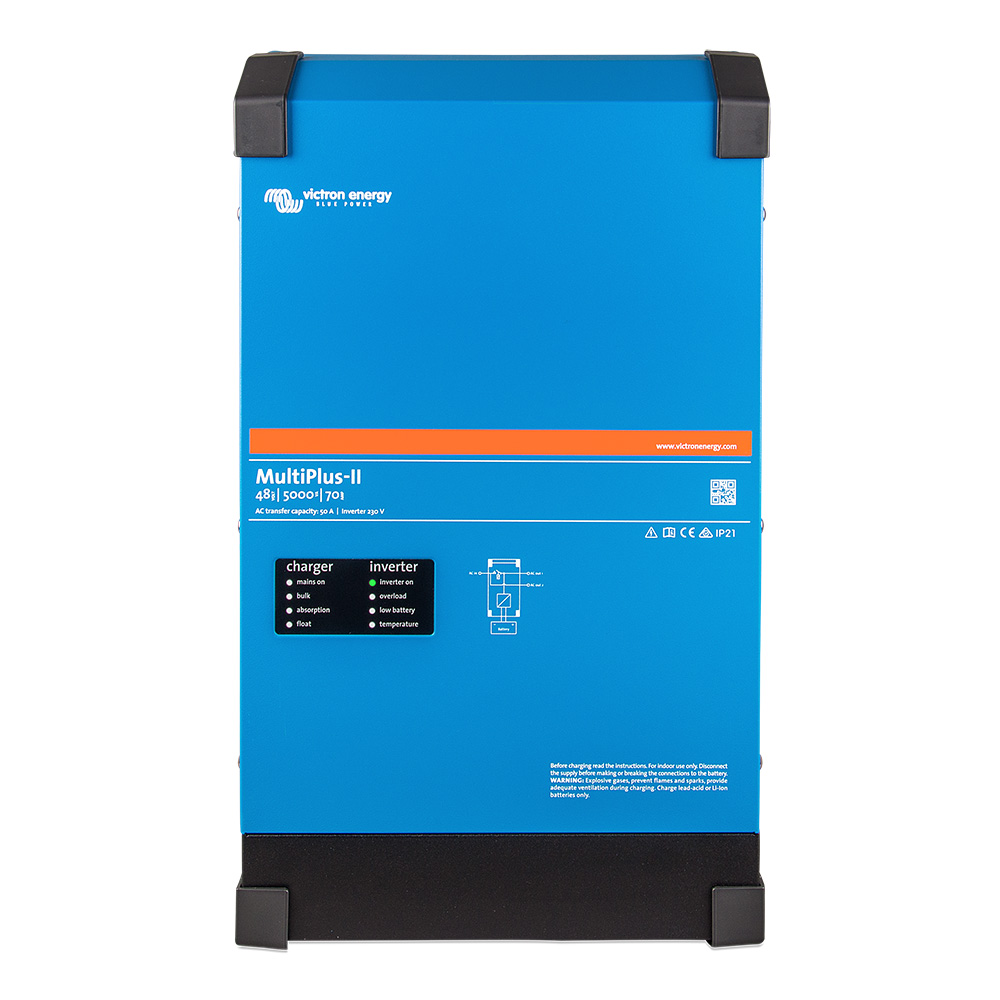
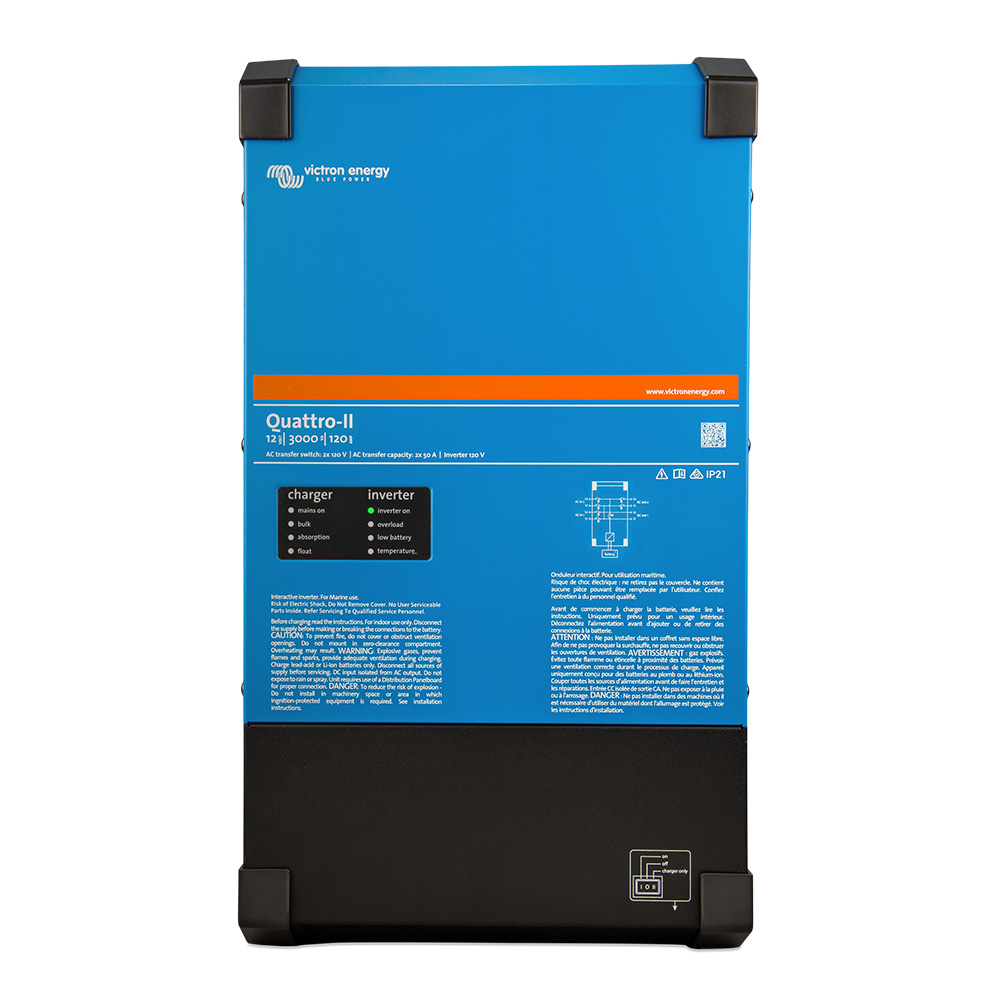
This cable will allow the MultiPlus 500VA – 1600VA, MultiPlus Compact 800VA – 2kVA and MultiPlus-II models to be used with BMS products that have no VE.Bus interface, such as the Smart BMS CL 12-100 and the small BMS. These MultiPlus models can be controlled from the Load/Charge Disconnect outputs and Load/Charger outputs respectively.
The cable must be wired to the remote on/off connector of the MultiPlus models:
- When used with the MultiPlus 500VA-1200VA models connect the black wire to the ON terminal and the red wire to the (+) terminal.
- When used with the MultiPlus Compact 800VA-2kVA models connect the black wire to the middle terminal and the red wire to the right (IN) terminal.
- When used with the MultiPlus-II models connect the black wire to the lower (-) terminal and the red wire to the upper (+) remote on-off terminal.
Both the Load/Charge Disconnect outputs of Smart BMS CL 12-100 and Load/Charger outputs of the small BMS must be in ‘High’ state in order for the MultiPlus to operate. After shutdown due to low battery voltage, run the alternator or use a battery charger on the primary side of the BMS to reset the system. The MultiPlus will then switch on and start charging (if connected to an AC power source).
Please contact your dealer for any returns, repairs or support issues related to this product.Related parts